
Introduction
Dive straight into enhancing your home with smart technology, where Apple HomeKit plays a pivotal role. By integrating with smart TVs, HomeKit transforms how you interact with entertainment systems. This article explores HomeKit’s potential on TV and how it can benefit your smart home experience.
Understanding Apple HomeKit
What is Apple HomeKit?
Apple HomeKit is a framework that allows iOS users to control smart home devices using Apple devices. The system offers efficiency through remote, secure control of your connected equipment.
Features and Capabilities of HomeKit
HomeKit enables you to create ‘scenes’ to manage multiple devices at once. It supports automation based on time or location and features secure access with encryption. Use the Home app or Siri for easy operation of lights, security, and smart TVs.
HomeKit’s Integration with Apple’s Ecosystem
HomeKit is integrated with Apple devices, ensuring synchronized control across iOS gadgets. This feature offers unparalleled convenience, especially when using HomeKit with smart TVs.
HomeKit and Smart TVs: A Seamless Integration
Enhancing entertainment, HomeKit links seamlessly with smart TVs. This integration centralizes your control for an improved entertainment experience.
Benefits of Using HomeKit with Your TV
Integrating HomeKit with your TV brings benefits like streamlined voice control, routine automation, and connectivity with other smart devices. Commands like ‘Hey Siri, movie night’ can adjust settings for an optimized experience.
Compatible TV Brands and Models
HomeKit-compatible TVs include major brands like LG, Sony, and Vizio. The variety of options caters to different needs and budgets, ensuring flexibility in choosing the right model.
Enhancing the User Experience with HomeKit
HomeKit personalizes scenes and routines, optimizes energy use, and integrates your TV into a connected home system. This integration is key for an immersive smart home experience.
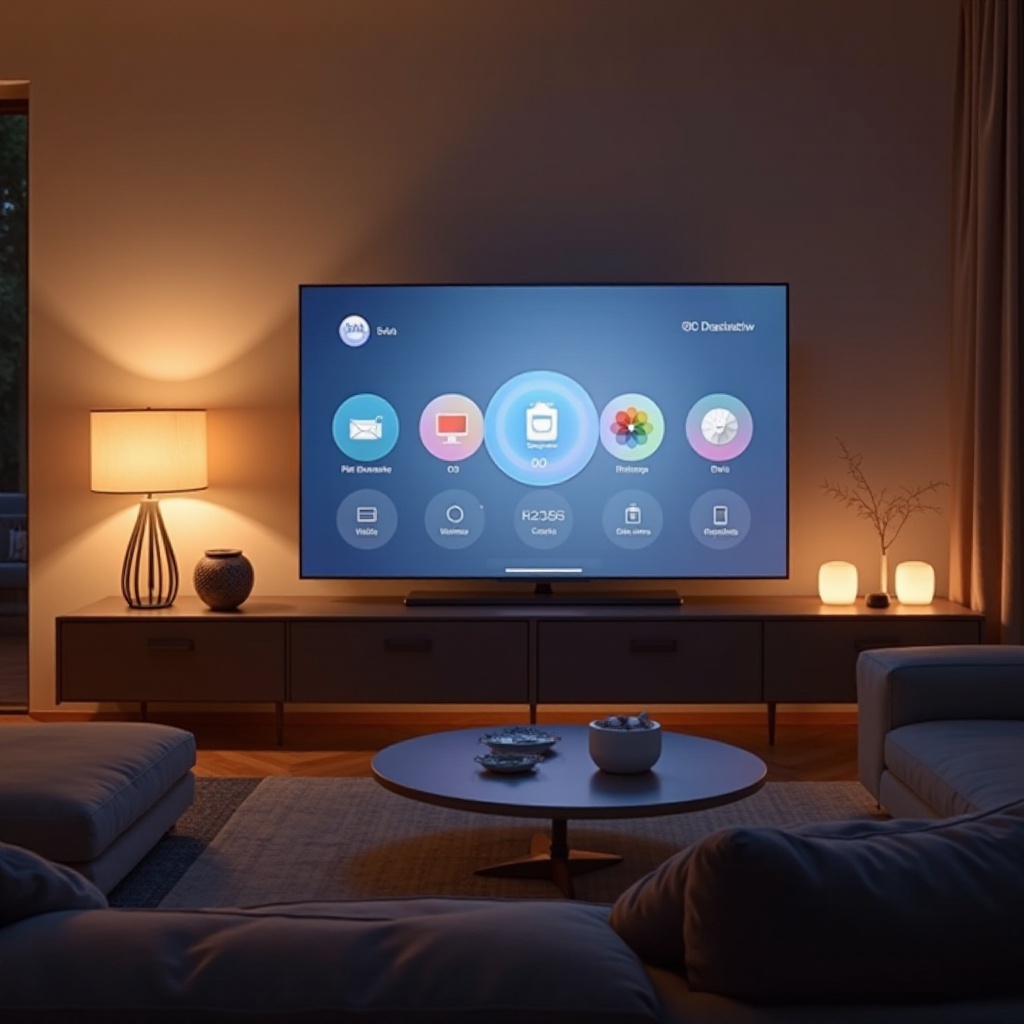
Setting Up Apple HomeKit on Your TV
After understanding its compatibility, setting up HomeKit on your TV is straightforward, even for beginners.
Step-by-Step Setup Guide
- Ensure Compatibility: Verify if your TV is HomeKit-compatible.
- Update Your Devices: Ensure your iPhone, iPad, or Apple TV has the latest OS.
- Connect Your TV: Use the Home app to add your TV, following on-screen instructions for the setup code.
- Create Scenes and Automations: Customize settings in the Home app for a tailored experience.
- Test Your Setup: Test voice commands and scenes to confirm functionality.
Troubleshooting Common Issues
Common issues during setup include connectivity problems or the TV not appearing in the Home app. Ensure all devices share the same Wi-Fi network. If issues persist, restart your devices or reset the HomeKit configuration.
Ensuring a Smooth Connection
Position your Wi-Fi router and extender close to your TV for optimal signal. Keep your devices updated for the latest improvements and resolve connectivity issues by reducing interference from other wireless devices.
Maximizing the Use of HomeKit on TV
To fully leverage HomeKit on your TV, explore all available features and integrations.
Using Siri for Voice Control
Voice-activated commands via Siri enhance the entertainment experience, allowing you to control volume, switch channels, and manage playback, all hands-free, providing convenience.
Creating Scenes and Automations
Create scenes such as ‘Good Morning’ or ‘Relaxing Evening’ to adjust TV settings for desired ambiance. Automate these scenes by scheduling or triggering them with specific actions, enhancing daily routines.
Integrating with Other Smart Devices
Integrate with lights, sound systems, and thermostats for a harmonious home environment. This full potential usage of HomeKit improves efficiency and convenience.
Future Prospects of HomeKit on TV
Stay ahead with HomeKit’s continuous updates and expanding capabilities, promising exciting future prospects.
Upcoming Features in 2024
Expected updates include AI-driven scene suggestions and advanced cross-device interactions, further integrating HomeKit into the smart home ecosystem.
Potential Advancements in Smart Home Technology
Future advancements will likely focus on energy efficiency, security, and user interface improvements, making HomeKit even more intuitive and essential for smart homes.
Conclusion
Integrating HomeKit with your smart TV enhances your home environment with interconnected convenience. Embrace this technology to optimize entertainment, control, and explore smart home possibilities.
Frequently Asked Questions
Can HomeKit control non-Apple TVs?
Yes, HomeKit can control various brands supporting the HomeKit protocol, even if not by Apple.
What are the key advantages of using HomeKit over other smart home platforms?
HomeKit offers robust security, seamless integration with Apple devices, and a user-friendly interface, beneficial for Apple users.
How secure is HomeKit when used with my TV?
HomeKit provides end-to-end encryption, ensuring that your data and controls are secure from unauthorized access.