
Introduction
The Nintendo Switch has become a staple for multiplayer gaming experiences. Its flexible design supports a variety of two-player modes, making it a favorite choice for both seasoned gamers and new players alike. In this guide, we provide comprehensive instructions on setting up your console for two players, selecting the best games, and resolving potential technical issues. You’ll be well-equipped to enjoy seamless multiplayer sessions on your Nintendo Switch.
Understanding the Nintendo Switch for Multiplayer Gaming
Before diving into setup or gameplay, it’s crucial to understand the hardware elements that make the Nintendo Switch ideal for two-player gaming. The Switch’s unique structure and the versatility of its controllers are key features for enhancing multiplayer sessions.
-
Console Components and Features: The Switch is equipped with a hybrid design that allows for both handheld use and TV connectivity. This dual function caters to various gaming preferences and provides flexibility in how games are played.
-
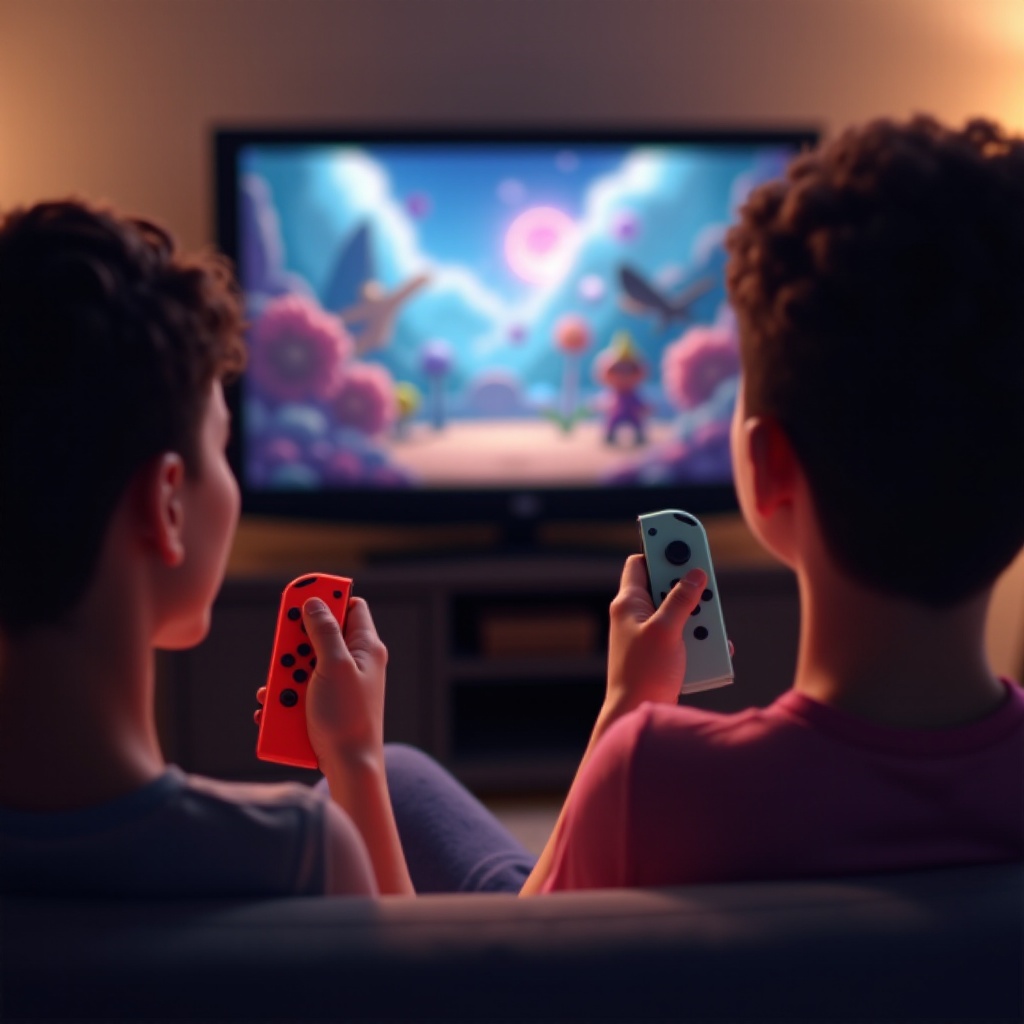
Joy-Cons and Additional Controllers: The Switch includes two Joy-Cons that can act independently as separate controllers. There’s also the option to connect external Pro Controllers for advanced control configurations.
Armed with this understanding, you’ll find the process of setting up your console for multiplayer gaming straightforward and intuitive.
Setting Up Your Nintendo Switch for Two Players
Get your Nintendo Switch ready for two-player action by following these steps:
-
Initial Console Configuration: Power up your Switch and ensure it has the latest system update. This ensures full compatibility and access to the latest features.
-
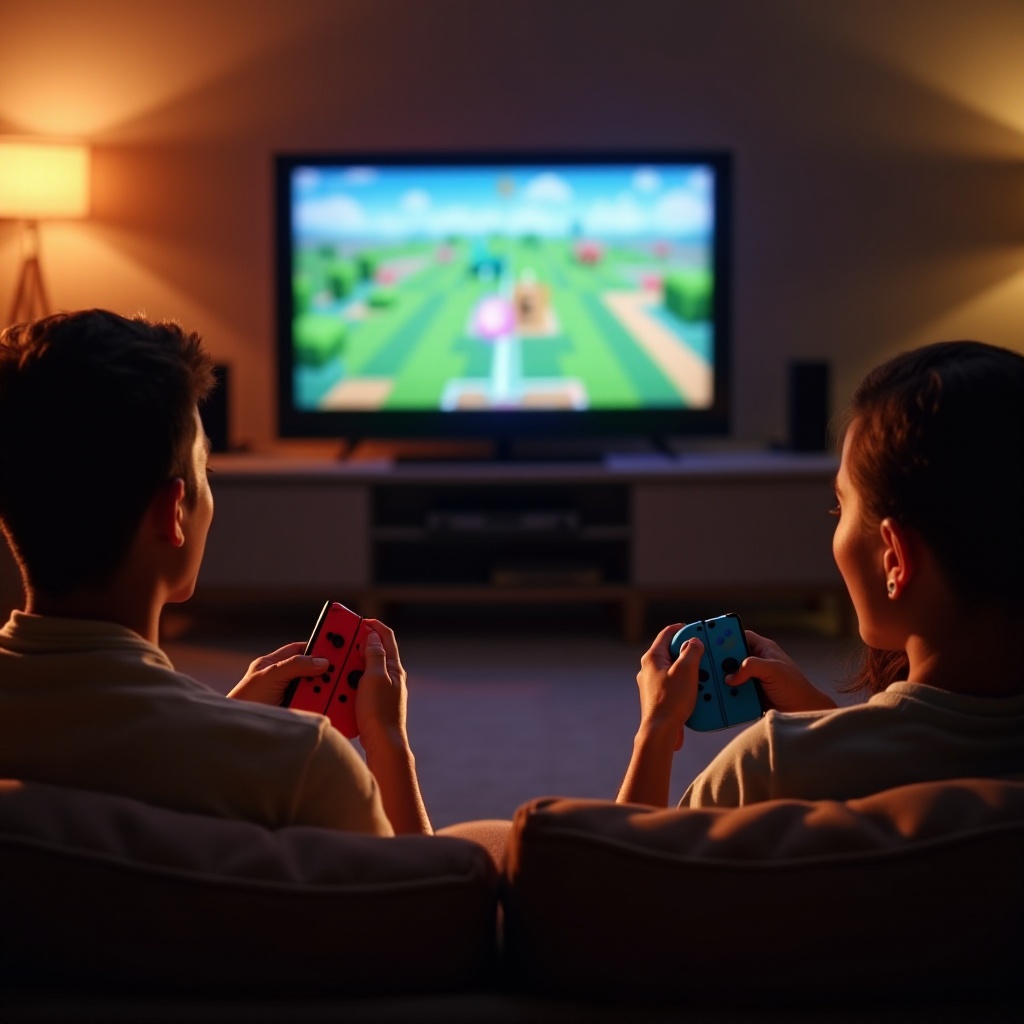
Connecting Controllers: Detach the Joy-Cons from the Switch. Each person can hold one Joy-Con horizontally. Alternatively, sync additional controllers by navigating to the ‘Controllers’ menu, selecting ‘Change Grip/Order,’ and following the on-screen instructions.
-
Profile Setup for Multiple Users: Having separate user profiles allows each player to save their progress and customize their settings. To add a new profile, go to System Settings > Users > Add User and complete the registration steps.
With the console and controllers set up, the next step is to explore the multitude of two-player game options available.
Navigating Game Options for Two Players
The Nintendo Switch hosts a diverse library of games perfect for two-player experiences. Selecting the right games can enhance the fun and engagement of your multiplayer sessions.
-
Popular Two-Player Games in 2024: Some standout titles include ‘Mario Kart 8 Deluxe,’ ‘Super Smash Bros. Ultimate,’ and ‘Animal Crossing: New Horizons.’ These games offer competitive and cooperative modes, ensuring a dynamic play experience.
-
Accessing Games on the Nintendo eShop: Browse and purchase games directly from the eShop using the search function. With a variety of categories and player ratings, finding a game that suits your taste is easy and straightforward.
After choosing your games, take steps to maximize your gaming experience with the right environment and equipment.
Enhancing Your Multiplayer Experience
To ensure optimal enjoyment during multiplayer games, consider investing in accessories and arranging your physical setup.
-
Essential Accessories for Multiplayer: Accessories such as Joy-Con grips or charging docks can increase comfort and ensure your controllers remain powered during long gaming sessions.
-
Optimizing Screen and Sound Settings: Make sure to adjust your TV settings for the best picture quality, and consider adding a speaker system for immersive sound effects.
-
Setting Up a Comfortable Gaming Space: Arrange chairs and lighting to reduce glare on the screen, and keep snacks and beverages nearby to keep players nourished during extended play.
While optimizing your setup, it’s also beneficial to be prepared for potential technical hiccups that might arise during gameplay.
Troubleshooting Common Multiplayer Issues
Encountering issues while playing multiplayer games can disrupt the fun. Here’s how to tackle some common problems:
-
Solving Connectivity Problems: For Wi-Fi issues, try restarting both your router and the Nintendo Switch. Ensure that the console is within a reasonable distance from the router to maintain a stable connection.
-
Controller Synchronization Fixes: If Joy-Cons or other controllers lose sync, use the ‘Controllers’ menu to recalibrate them. Follow on-screen prompts to ensure they pair correctly with your Switch.
With these solutions, you can ensure a consistent and enjoyable multiplayer gaming experience.
Conclusion
Operating the Nintendo Switch with two players opens up endless possibilities for entertainment and connection. By understanding how to set up your console, choosing the right games, and optimizing your play environment, you’re set to enjoy the best that the Nintendo Switch has to offer. Should technical issues arise, troubleshooting tips are on hand to keep gameplay smooth and enjoyable. Gather your controllers, invite a friend, and explore the world of Nintendo’s engaging multiplayer games.
Frequently Asked Questions
How do I pair a second controller to my Nintendo Switch?
To pair a second controller, use the ‘Controllers’ option in the Home menu and follow on-screen instructions to sync a new controller.
What are the best two-player games for Nintendo Switch in 2024?
Some popular games include ‘Mario Kart 8 Deluxe’ and ‘Super Smash Bros. Ultimate,’ offering excellent multiplayer experiences.
How can I improve connectivity during multiplayer sessions?
Keep the console close to the Wi-Fi router and minimize interference from other devices to improve connectivity.